Getting Started
Gaffer works in clones of your repository on your own machine. You install one command, gaffer, and connect it to your account from the clone you want it to work in.
Install Gaffer
Section titled “Install Gaffer”Open a terminal in a clone of your repository and run:
curl -fsSL https://get.teamgaffer.com | shThe script installs gaffer into ~/.local/bin and then runs gaffer setup in the clone. It runs on macOS and Linux, on Arm and Intel machines, and never asks for sudo.
Connect Your Account
Section titled “Connect Your Account”gaffer setup opens your browser. Approve there, and Gaffer connects this machine, the repository, its project and this clone in one step. Then it starts the Gaffer pane, which works your board from this machine.
Run gaffer setup again any time. It repairs whatever is missing and changes nothing else.
Your Board
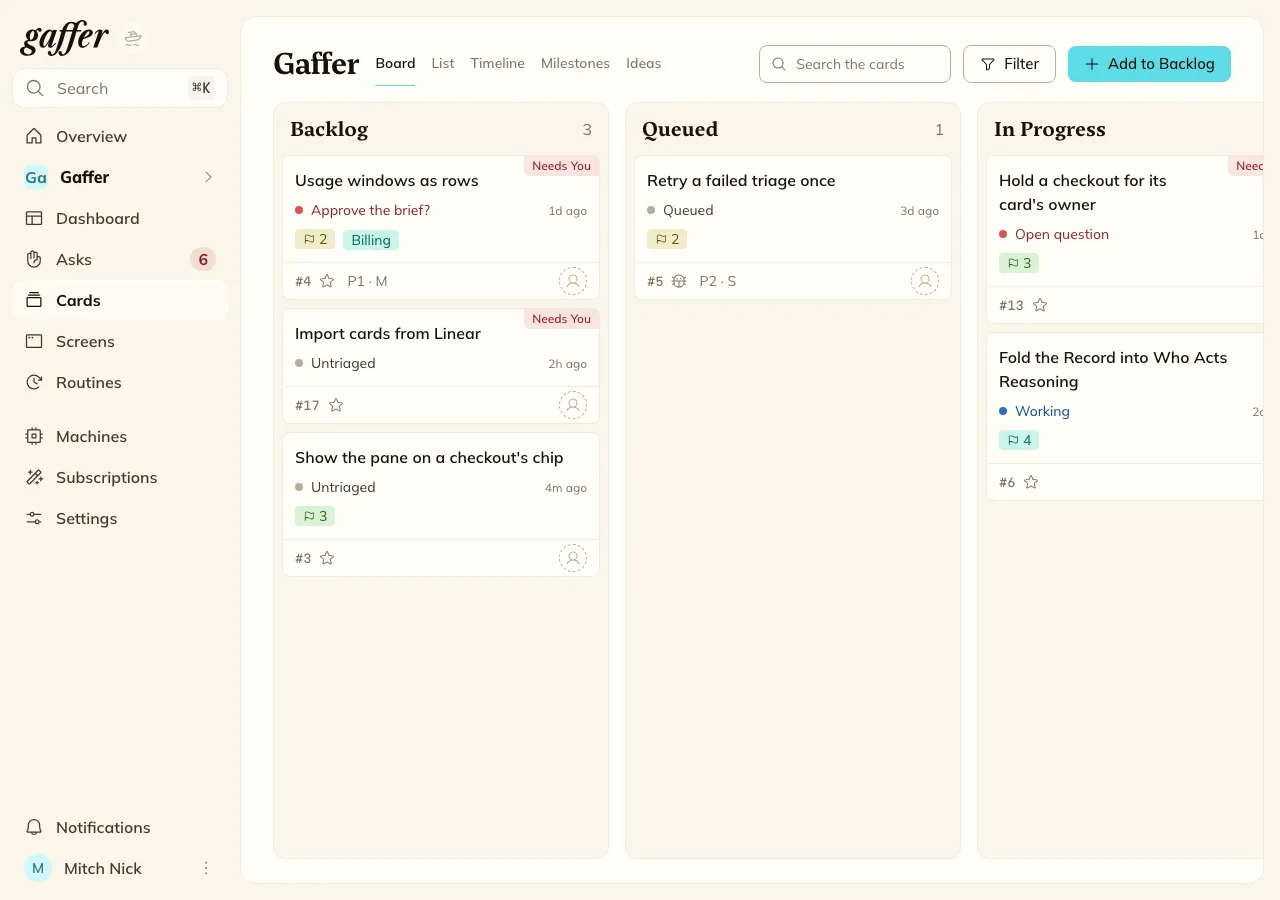
Section titled “Your Board”Each piece of work is a card on your project’s board, and the board shows where every card stands.